

Rapid App Innovation
Turning Classroom Updates Into
Live
Parent Communication
- My Role
- Led discovery, design, and delivery of a working MVP in three weeks, turning manual daily reports into one connected workflow for teachers and parents.
~524 hours/year
Estimated annual time saved · 2 hrs/day × 262 work days
The Opportunity
A daily report consumed the time teachers needed elsewhere
Assistant teachers logged each child’s activities by hand and passed their reports to the head teacher at the end of the day; she then rewrote them into one report per child — about two hours of hers. Parents waited until pickup for any word about their child’s day.
Where We Started
Reporting started when the day ended
Staff logged the day by hand and handed it over at pickup.
The head teacher rewrote every report from their notes.
Parents had no visibility between drop-off and pickup.
The Strategy
Capture the day once.
Use it twice.
Turn each classroom update into both a real-time parent notification and part of the child’s end-of-day summary.
What It Becomes
One update, two jobs
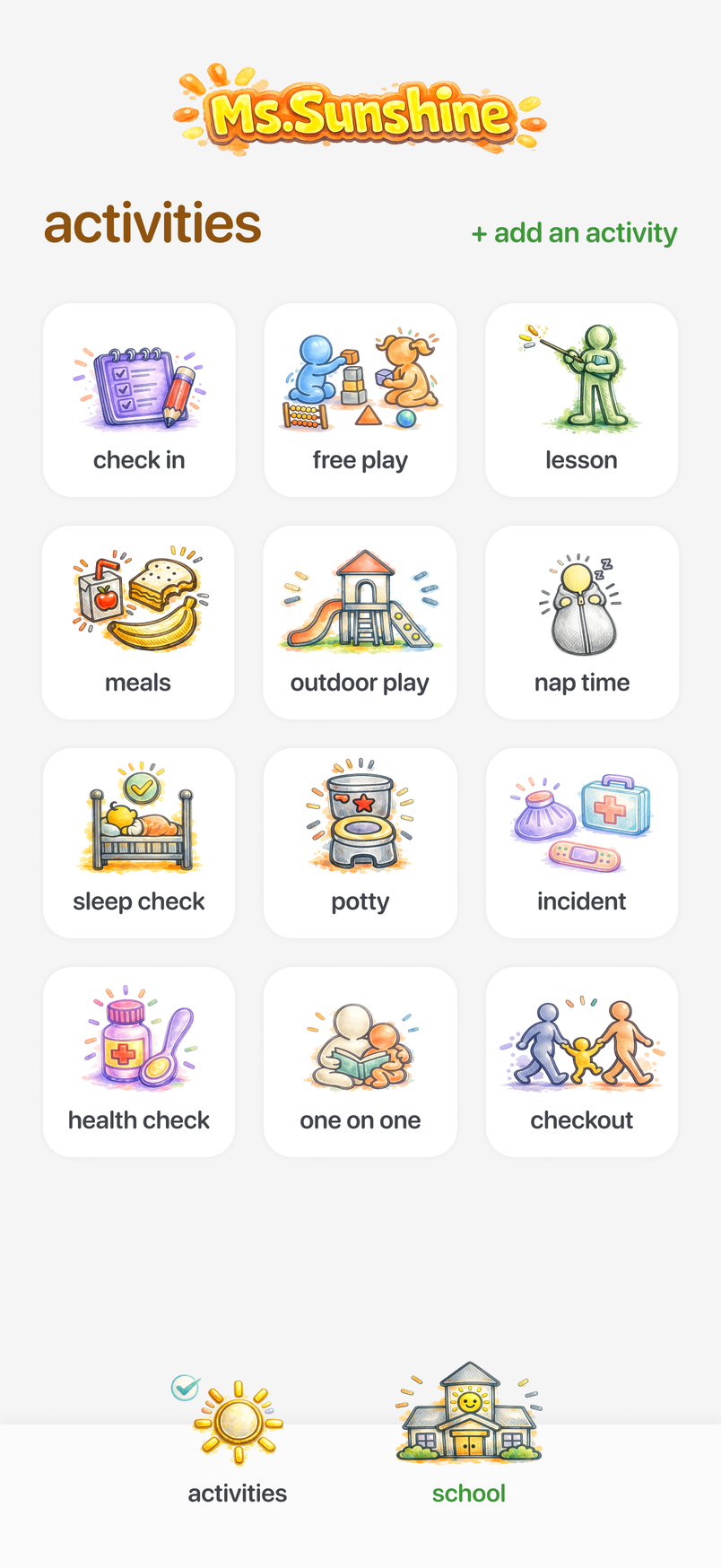
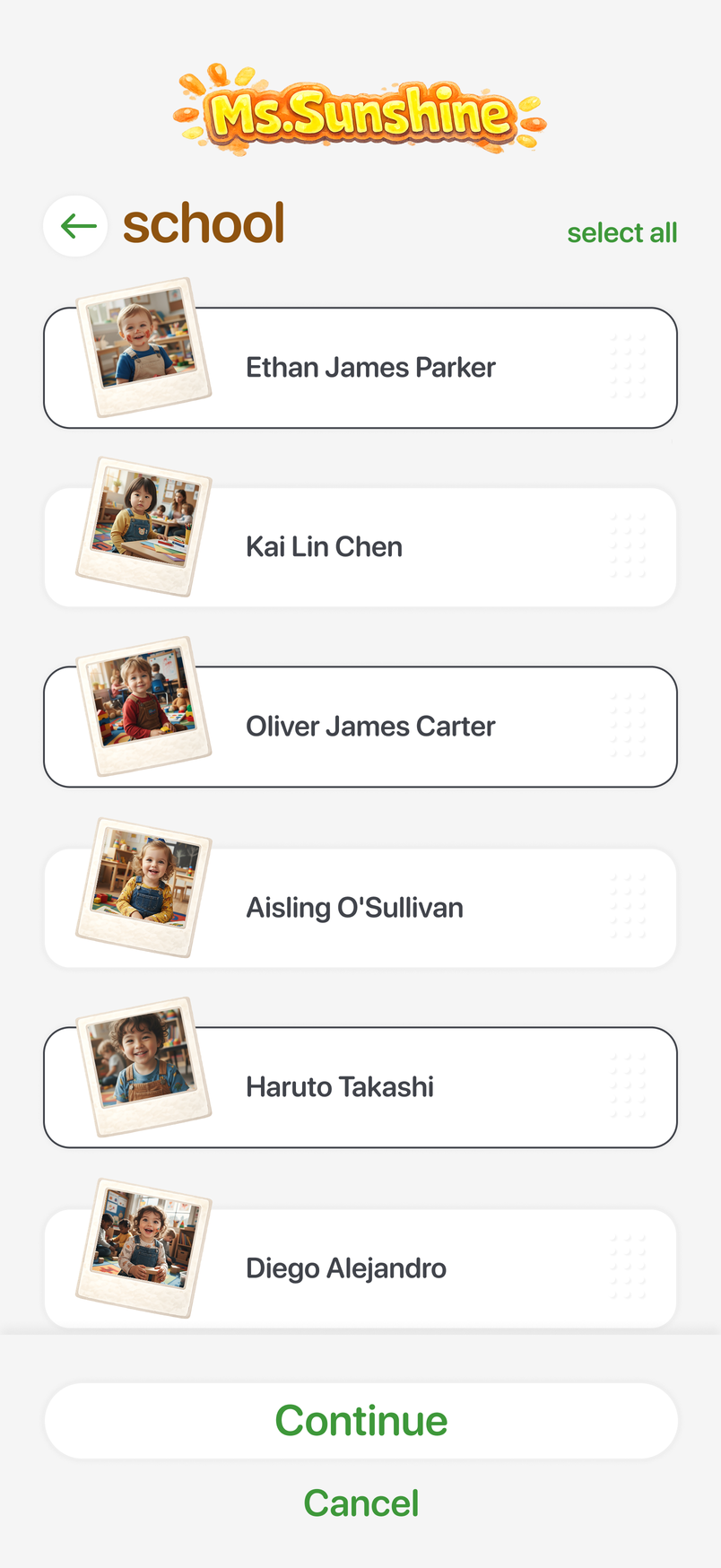
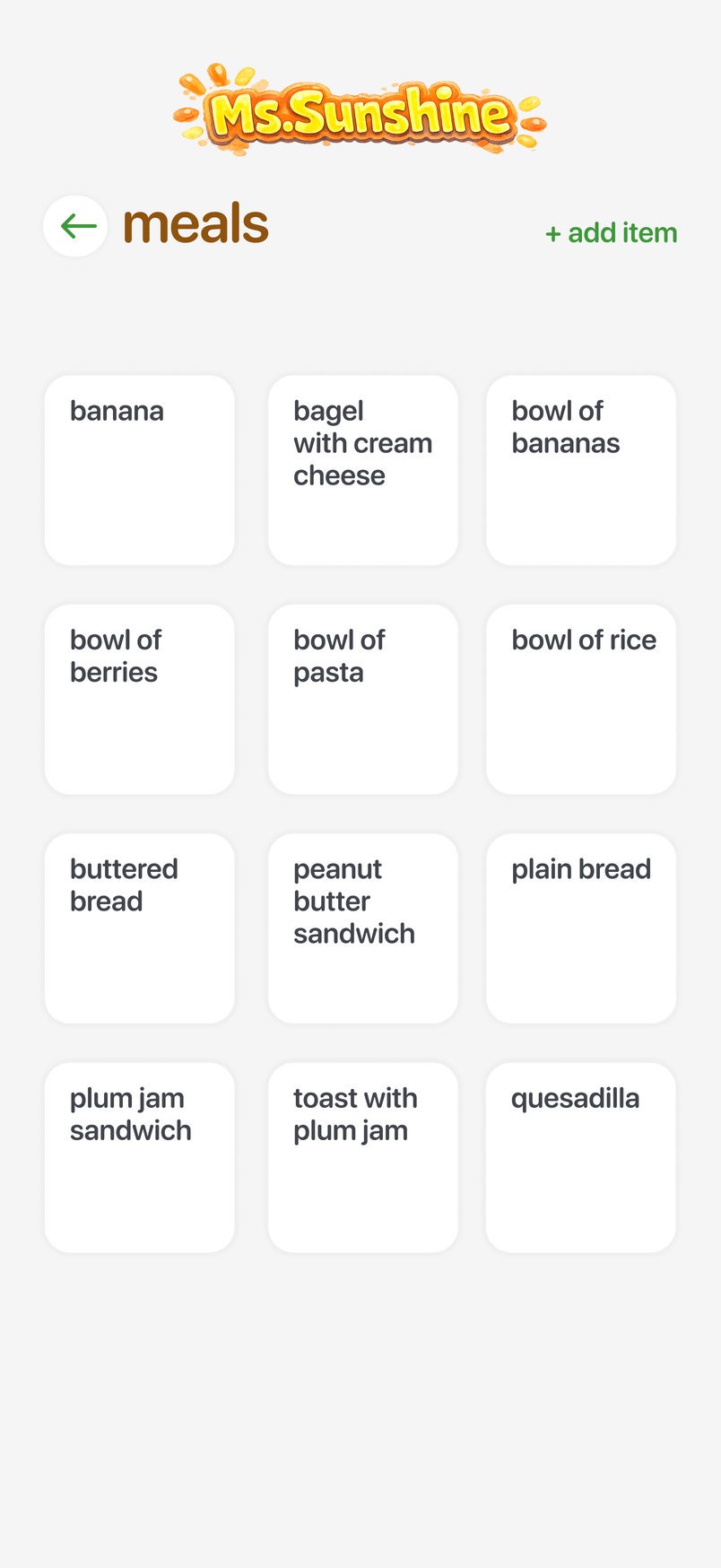
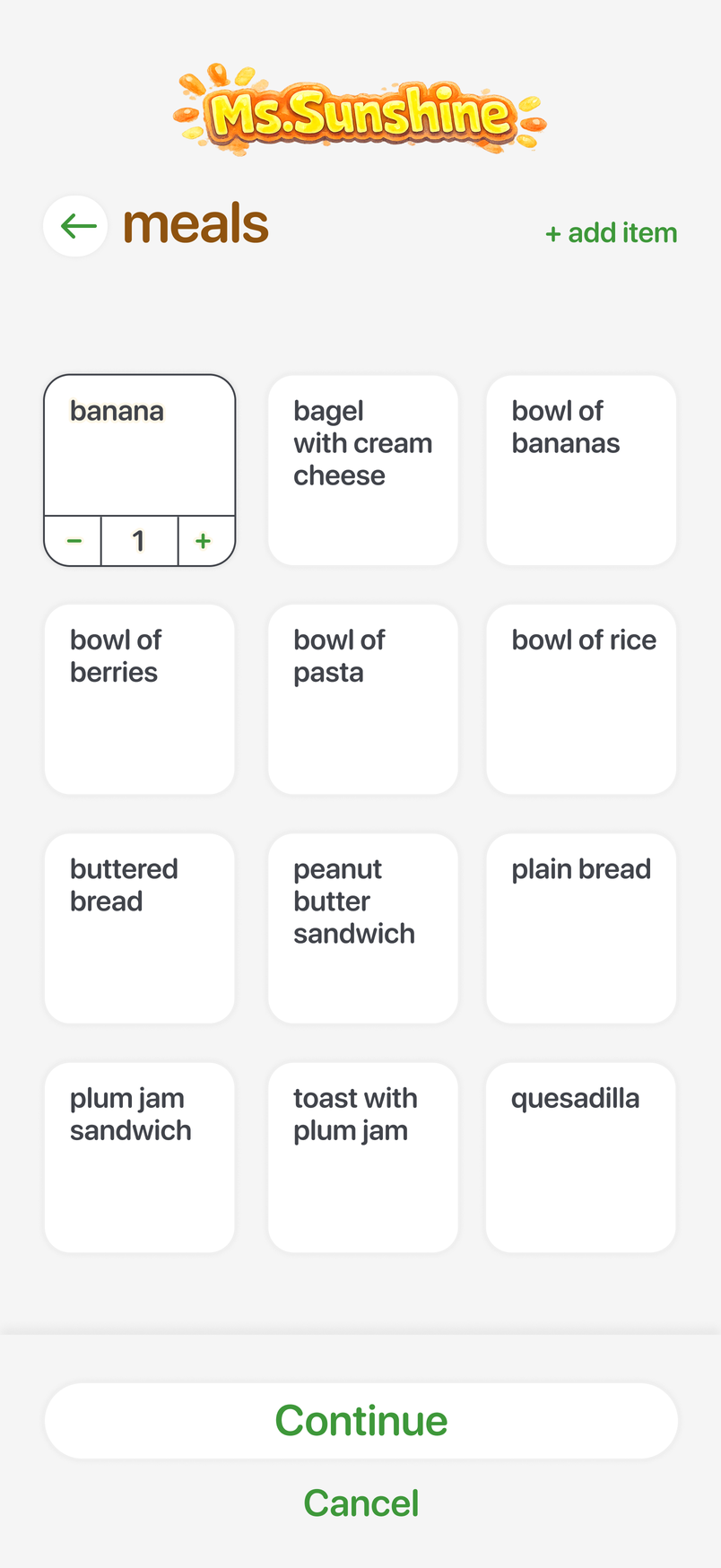
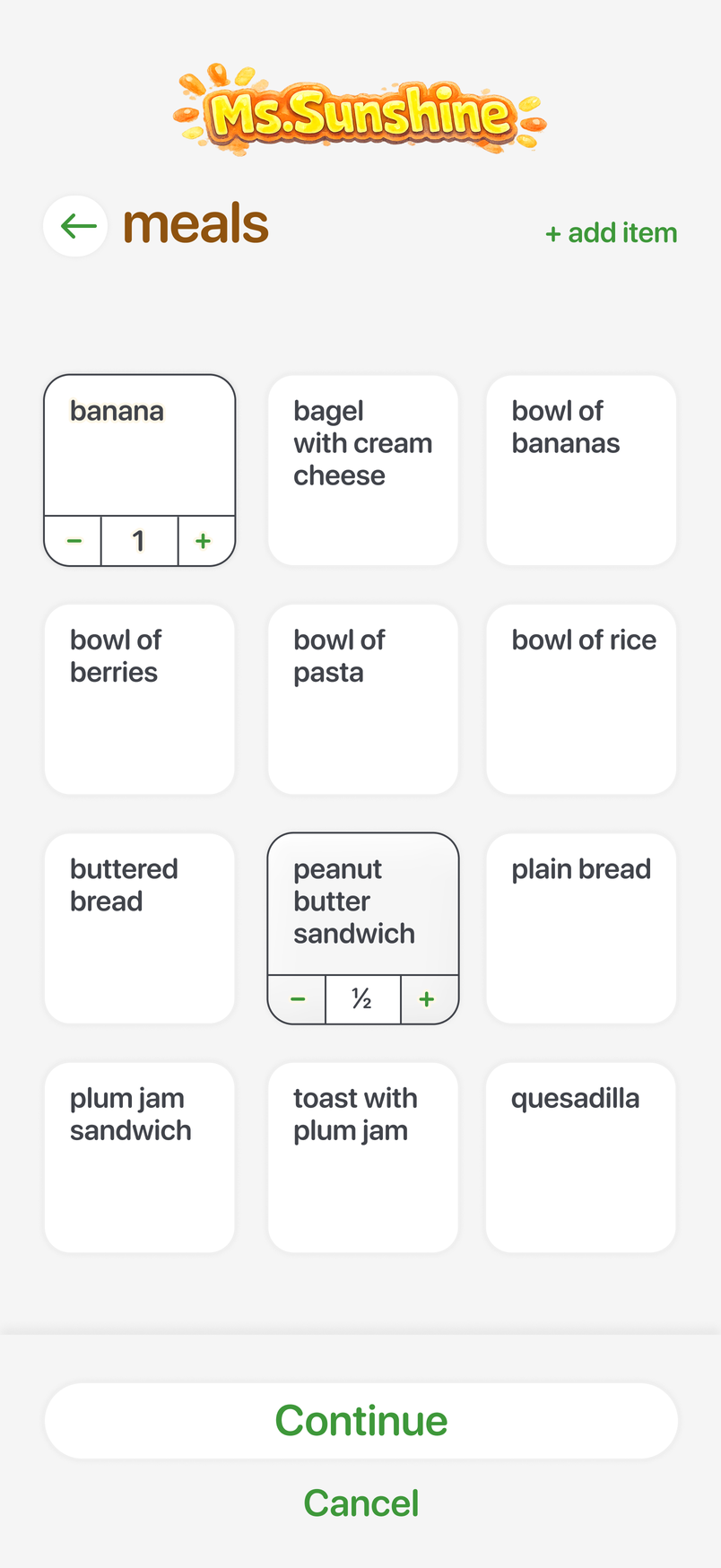
Teachers log an activity in a few taps
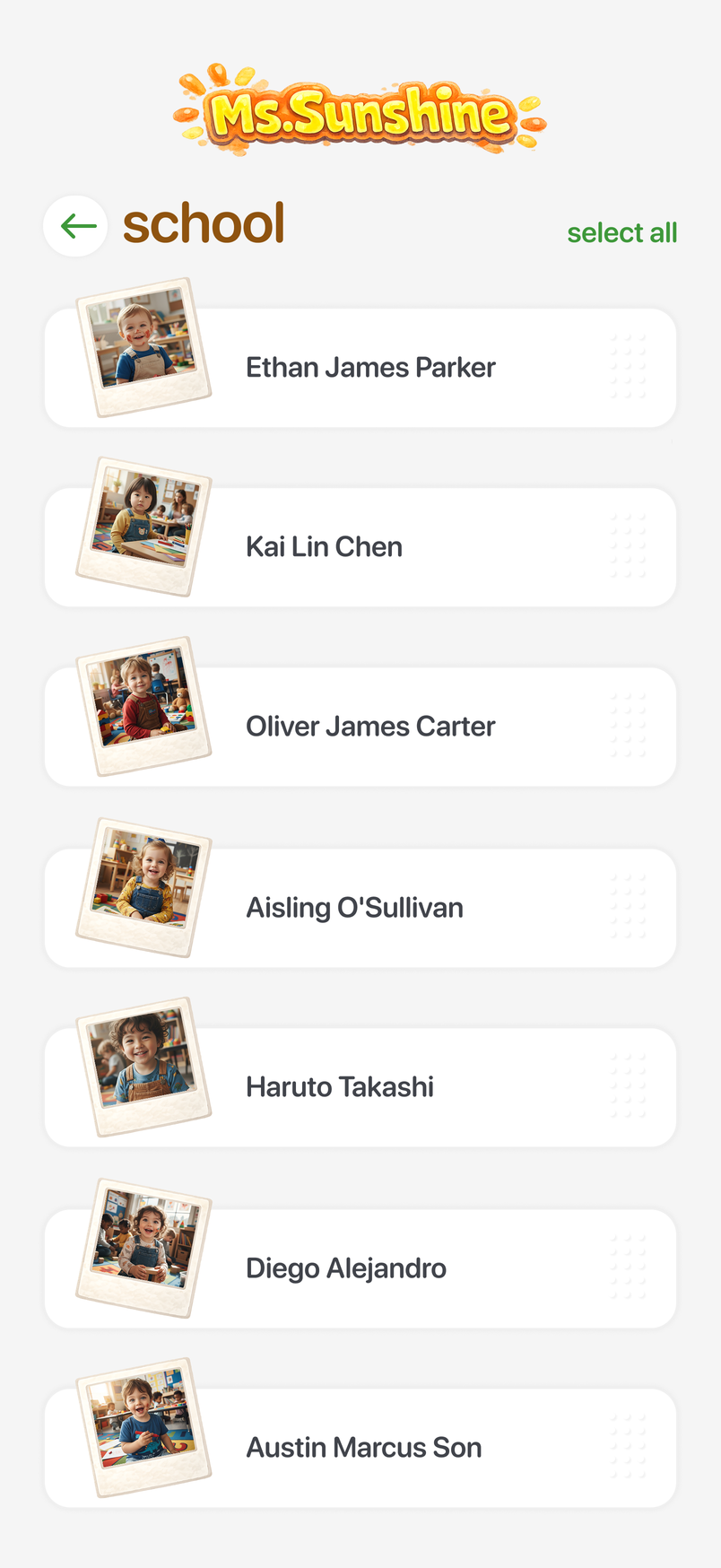
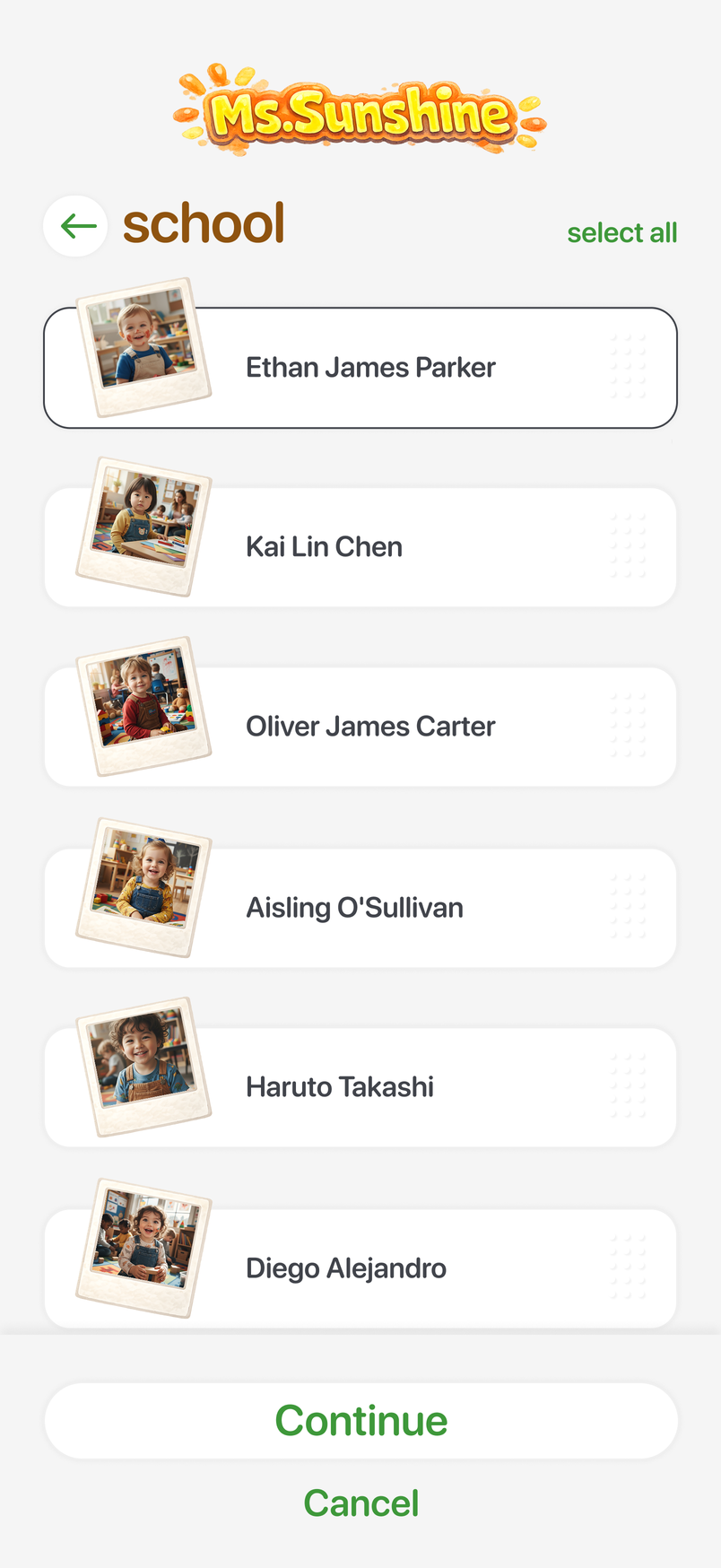
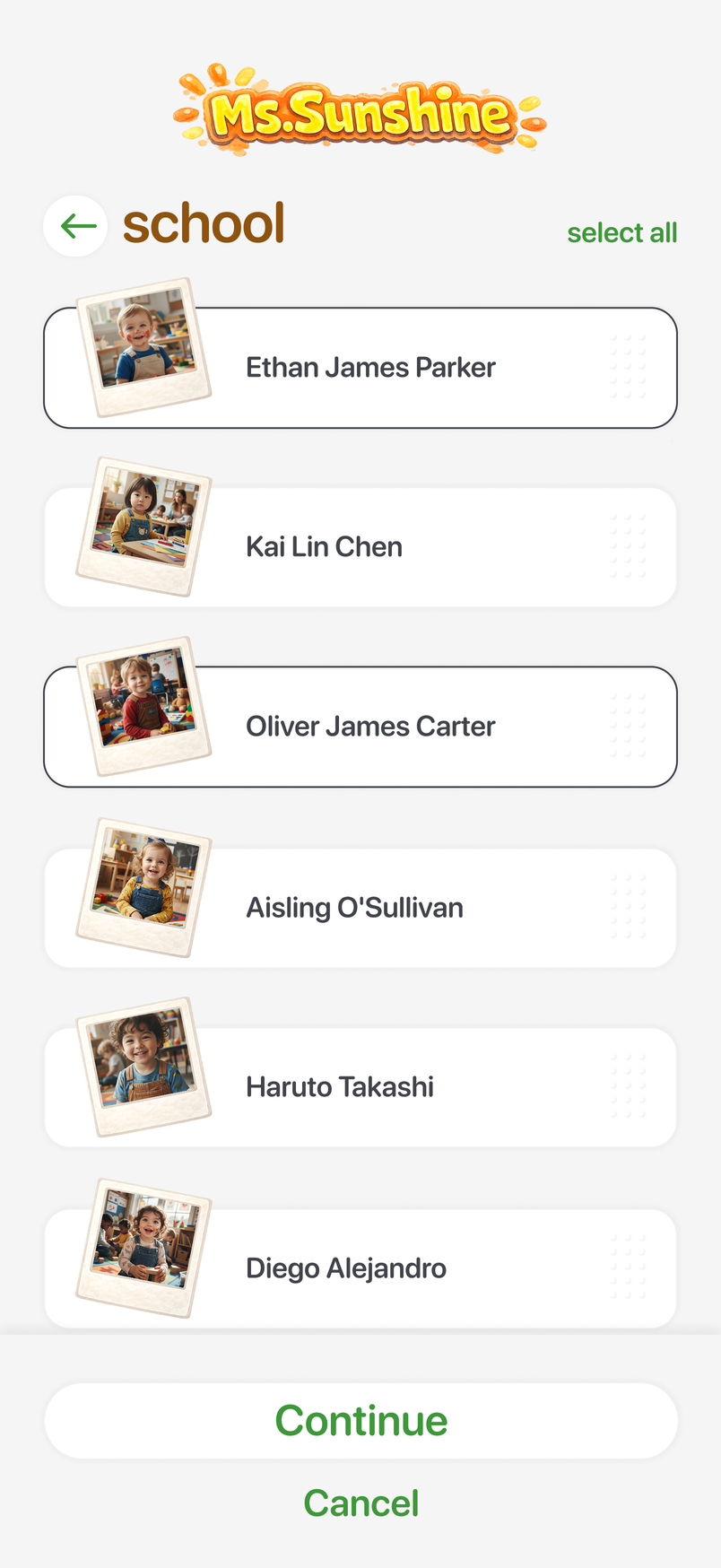
One update can be applied to multiple children
Parents see their child's activity as it happens
At checkout, the feed becomes a draft summary
Before and After
From end-of-day reconstruction to a live record

Before
The day was written up after it ended
Assistant teachers wrote up the day by hand; the head teacher turned their notes into one report per child after the last pickup.

After
The day records itself as it happens
Each activity becomes a reusable record the moment it happens—keeping parents informed and building the daily report automatically.
01 — Log once
Start from a child or from an activity, add details, a photo, or a note, and log it for everyone who took part.
02 — Keep parents current
The tile lands in each child's private feed. Only that child's guardians see it. They're notified, and can like or comment — which reaches the head teacher.
03 — Checkout summary
At checkout, the app assembles the child's feed into a summary in the head teacher's voice, for her to edit or approve before it goes out.
Impact
Less time reporting. More time for children and families.
- Teacher Impact
- ~2 hours/day reclaimed
- The app generates reports at checkout for quick approval, replacing a manual task the head teacher estimated took two hours each day.*
- Parent Impact
- Real-time visibility
- Guardians can follow activities as they happen—and like or comment—rather than wait until pickup.
- Business Impact
- ~524 staff hours/year returned
- At 2 hours per workday across 262 days, the MVP could redirect approximately 524 hours annually to classroom care and school operations.*
*Estimates are based on the head teacher's account of the previous workflow; post-MVP time has not yet been measured.
The parent view, running live.
Behind the Work
How I moved from a manual workflow to a working MVP in three weeks
Discovery
Mapped the school's reporting workflow with the head teacher: assistant teachers logging by hand, her rewrite after the last pickup, and parents waiting until then. The two-hour figure is her account of that task.
Competitive Analysis
Reviewed childcare and school applications to identify five foundations: fast logging, bulk actions, flexible workflows, parent communication, and clear daily summaries. Read the full analysis (PDF).
Product Definition
Converted the findings into requirements for teacher logging, private parent feeds, comments, notifications, checkout, and summary generation.
Rapid Design and Build
Used an AI-assisted workflow across research, product definition, prototyping, and development, moving from early exploration to a working MVP.
Roles and Permissions
The head teacher holds every permission and is the only person who can add children, guardians, or staff; she can grant those rights to her teachers. Assistant teachers log activities, and edit, like, or comment when she grants it. Guardians see only their own children's feeds, and a child can have more than one guardian.
Summaries and Review
The checkout summary is assembled from that child's own feed and nothing outside the app, written in the head teacher's voice. She edits it or approves it, and corrections to a published tile stay with her. Nothing reaches a parent unreviewed.
Privacy and Safeguarding
Privacy rules came from the school and are enforced by the feed's boundaries: one child, their guardians, nothing else. Record retention and deletion were not defined in the MVP and remain open with the school.
Where the Work Went
The flow moves parent conversation into the head teacher's day: every like and comment notifies her. Against what it replaced — handwritten reports from each assistant teacher and her nightly rewrite of all of them — the school's position is that it removed far more work than it added. Neither side has been measured under the MVP.
Validation and Iteration
Reviewed concepts with the head teacher through the build, then refined the working product on her feedback. The MVP is in daily use at the school; it has not been through structured usability testing with a wider group of staff or parents.