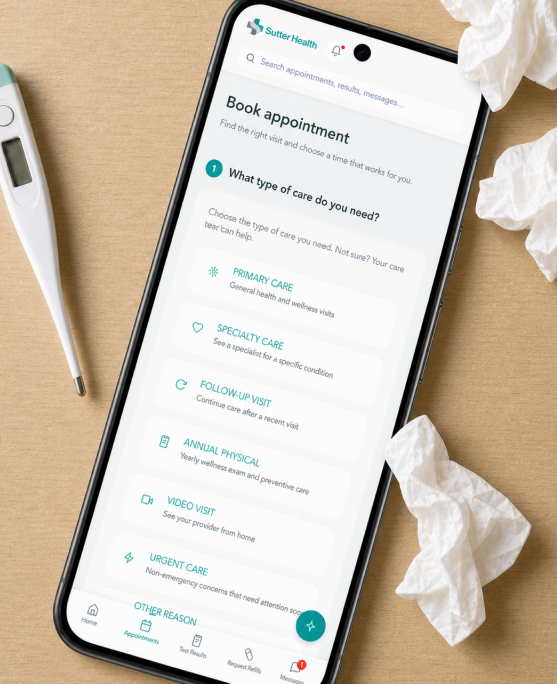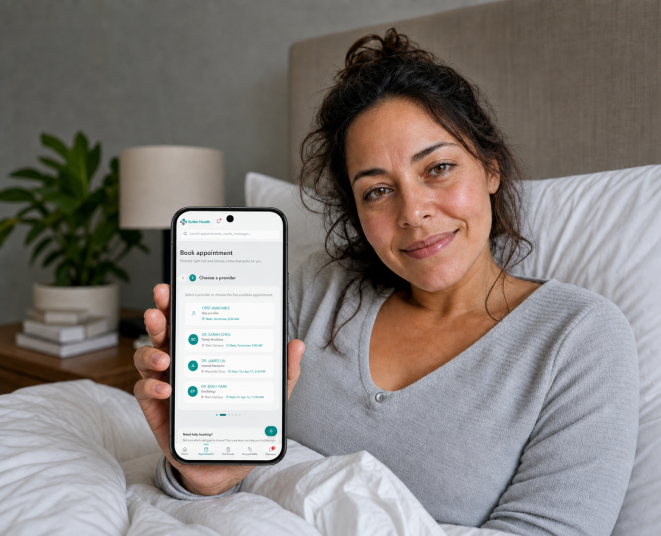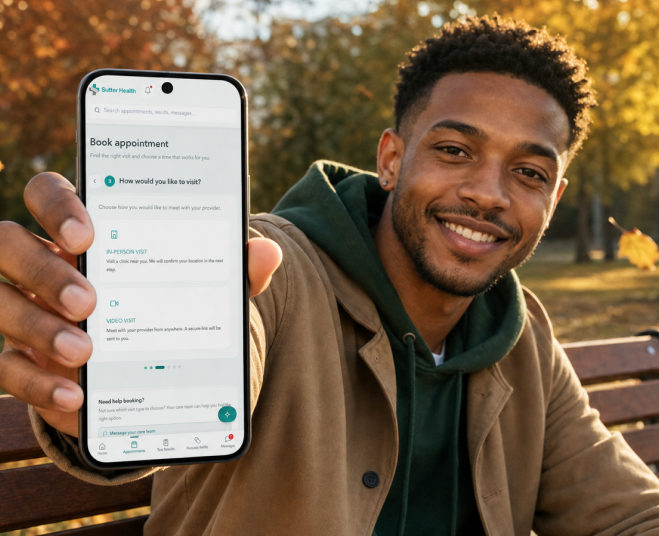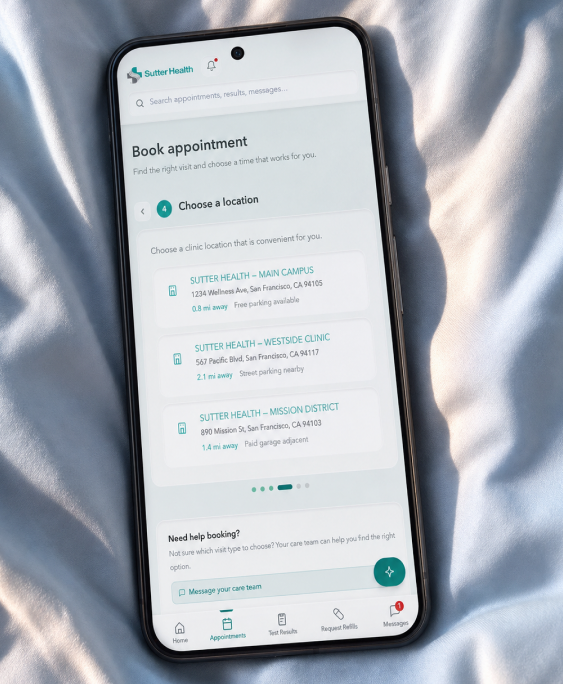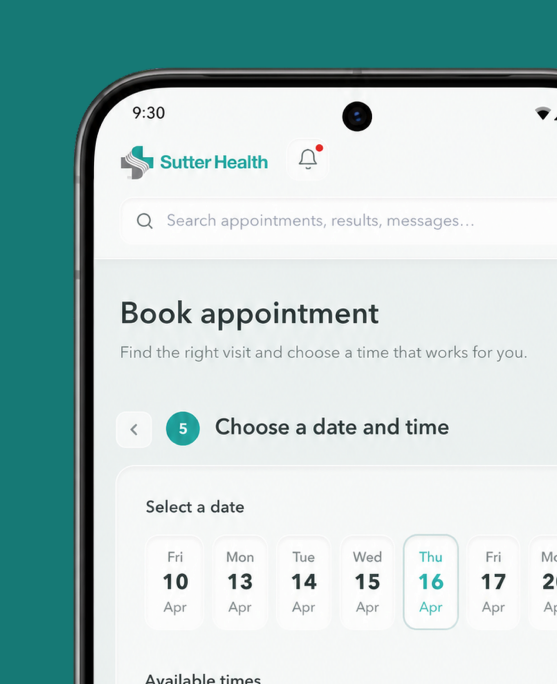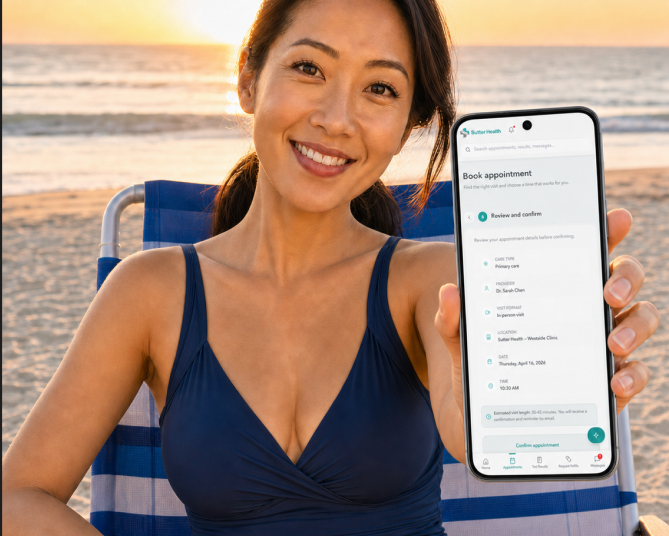

Less Portal. More Care.

A Simpler Patient Portal for Faster Access to Care

My Role
Self-initiated redesign of Sutter Health’s appointment experience. Evaluated three navigation models and prototyped a task-first portal centered on booking care.

Independent concept based on a review of Sutter Health’s appointment experience. Not commissioned by or affiliated with Sutter Health.

Problem

Patients often use portals while sick, stressed, or short on time. In the existing experience, appointment tasks compete with the portal’s many other features, increasing the effort needed to find and book care.

How might booking become the clearest next action?

Discovery

My review identified three needs: make priorities visible, keep care context together, and offer guidance without hiding essential tasks behind chat.
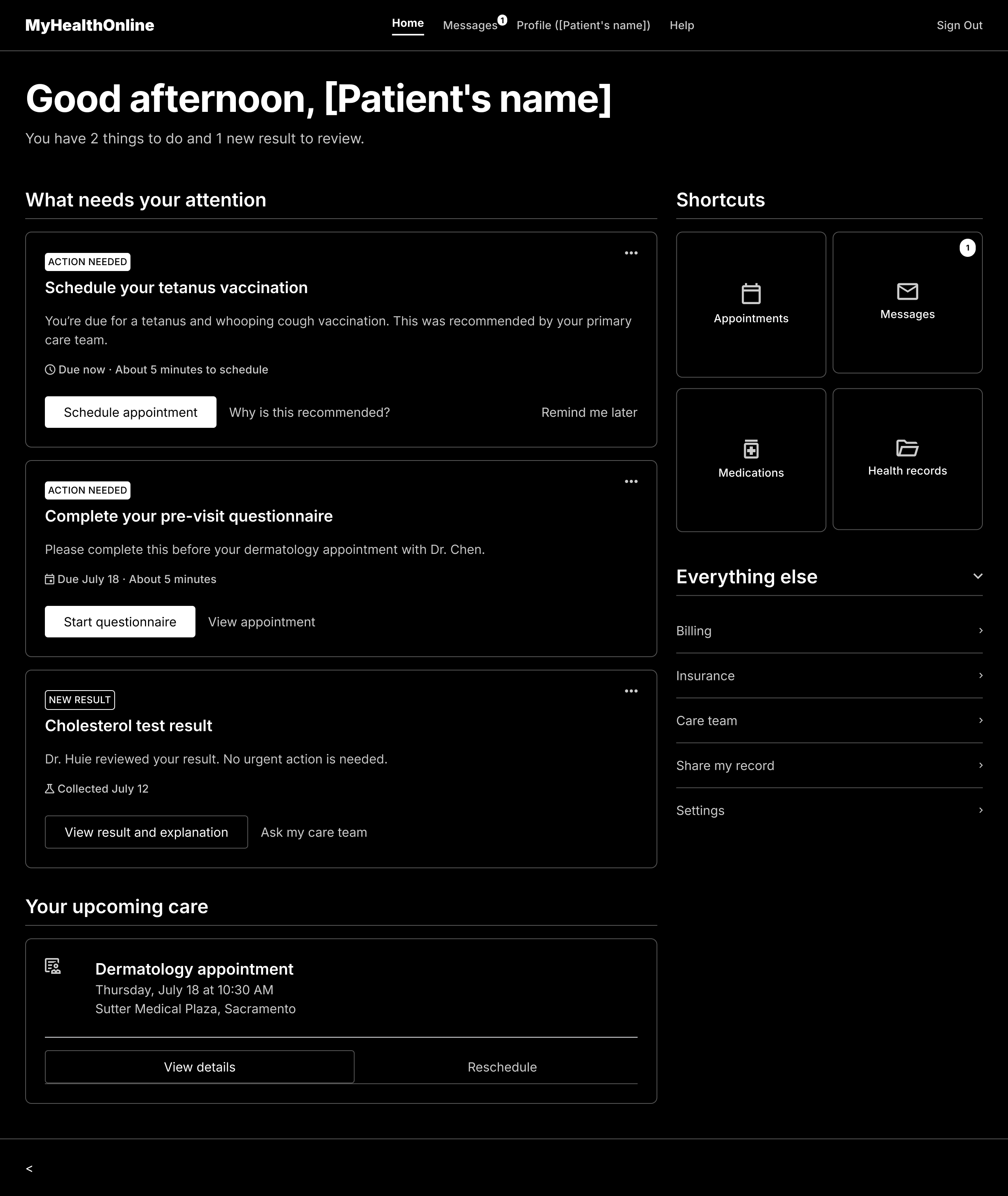
Wireframe of the Next Best Action dashboard: a prioritised list of what needs attention, each item carrying its own next step, beside shortcuts and a collapsed menu for everything else.

Next Best Action

Makes the patient’s most important task immediately visible.
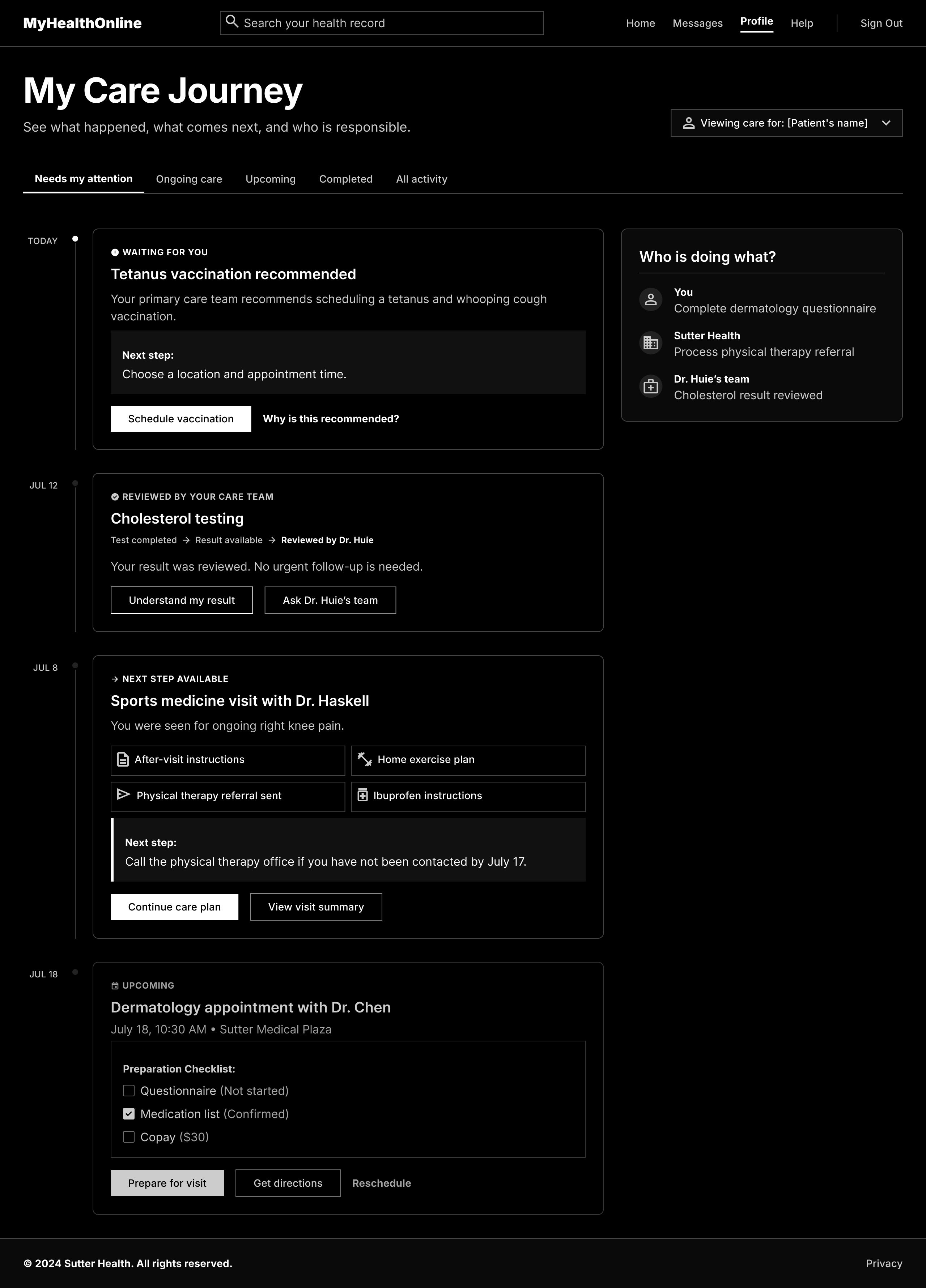
Wireframe of the Patient Care Journey: a dated timeline of visits, results and next steps, with a panel naming who is responsible for each one.

Patient Care Journey

Keeps visits, results, and next steps in context.
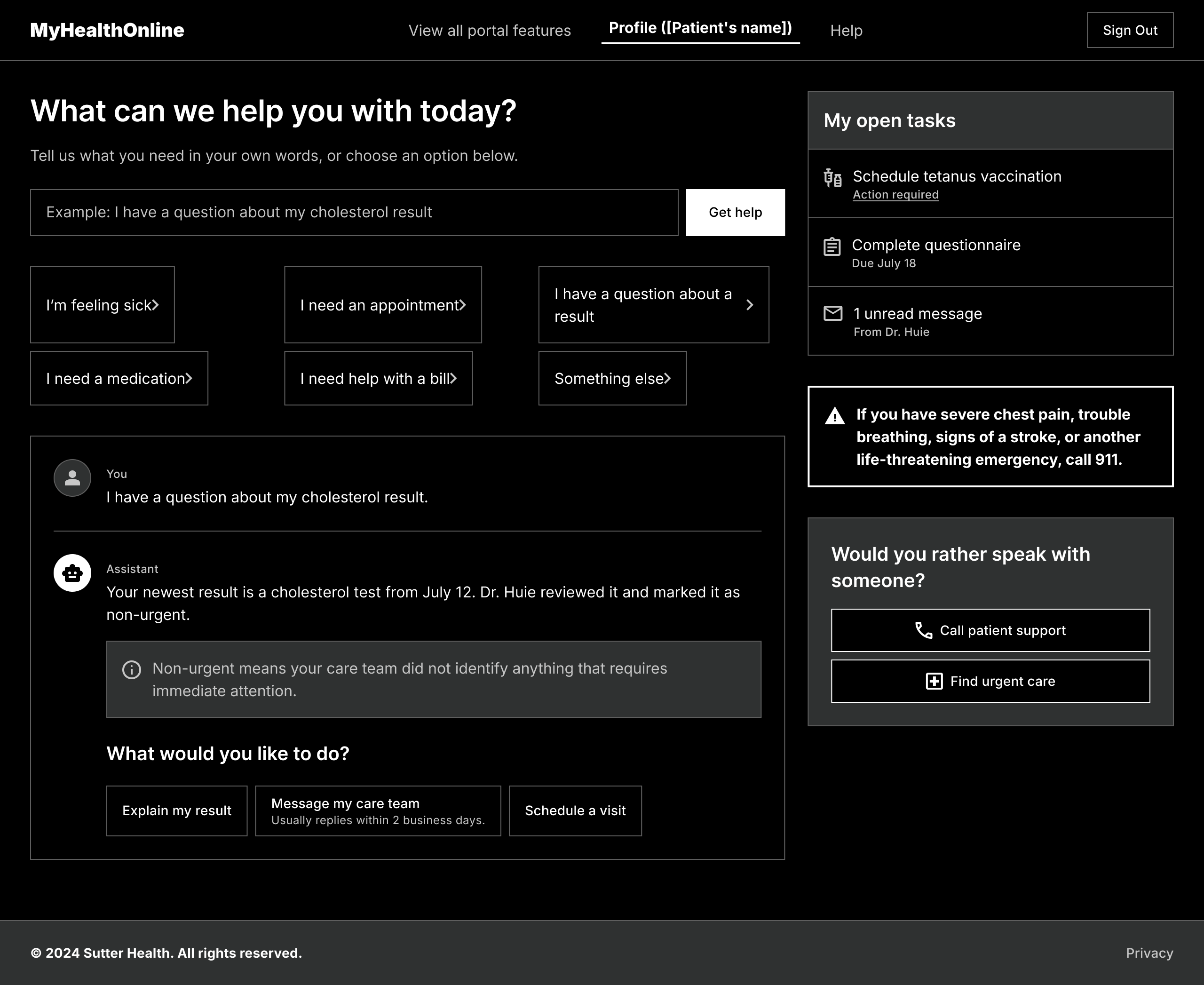
Wireframe of the Guided AI Concierge: a plain-language question box with suggested prompts above a transcript that explains a result and offers what to do next.

Guided AI Concierge

Provides optional help when patients are unsure what to do.
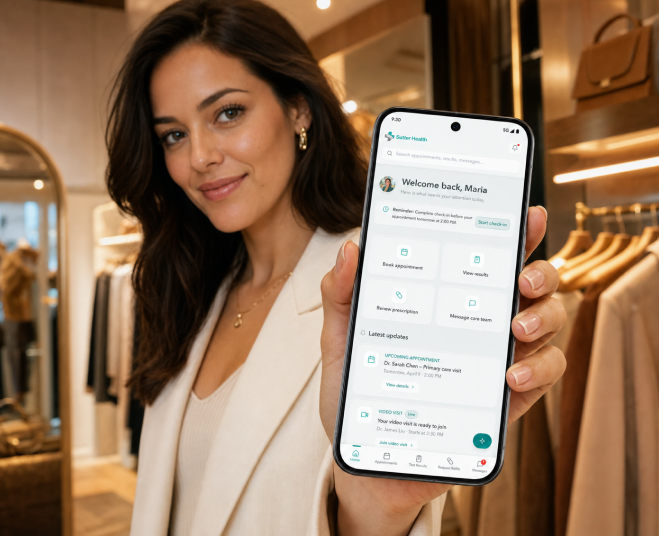
For the prototype, I combined visible priorities, care-journey context, and optional guidance, then focused the experience on appointment booking.
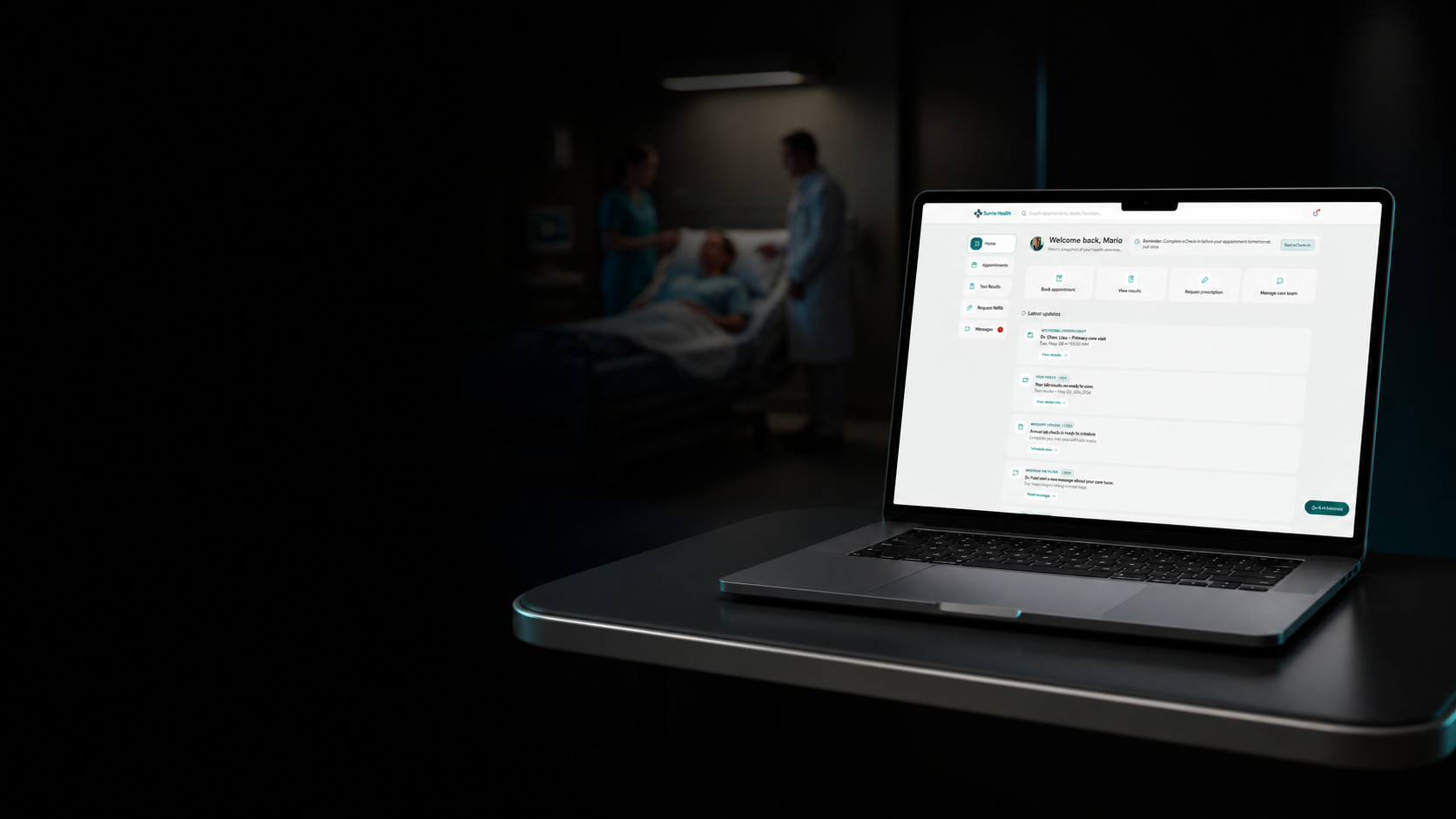
The redesigned patient portal on a laptop in a hospital room

What Changed.

  • Reorganized the dashboard around patient tasks rather than health-system categories.
  • Elevated appointments, check-in, results, messages, and refills into prioritized updates.
  • Made booking a prominent, guided flow with assistance available when needed.

Outcome: a functional prototype that surfaces priority tasks and starts booking from one home screen.

Behind the Work

The AI-assisted workflow behind the strategy, the iteration, and the prototype
  1. Empathize

    I focused my review on the biggest issue: booking care competes with every other portal feature.

    AIOrganized the audit into a research plan and open questions

  2. Define

    I framed booking as the clearest next action within a focused 2.5-day redesign.

    AIChallenged assumptions and helped define success

  3. Ideate

    I weighed Next Best Action, Patient Care Journey and a Guided AI Concierge.

    AIGenerated low-fidelity concepts for each model under my direction

  4. Refine

    I refined one task-first home from the strongest parts of all three models.

    AIExposed gaps in content, accessibility and unavailable states

  5. Prototype

    I chose a functional prototype so booking could start from one home screen.

    AIFigma MCP and Claude Code built it from the Figma design

  6. Test

    I walked every booking state and documented what still needs patient validation.

    AIOrganized the walkthrough into ranked gaps

  7. Implement

    I packaged a polished concept with handoff-ready rationale—not a production launch.

    AIDrafted variants, annotations and QA cases

  • Tools
  • Figma + Code Connectdesign intent ↔ production components
  • Figma MCP + AI agentscontext, critique, implementation and QA

Signals become the next product decision